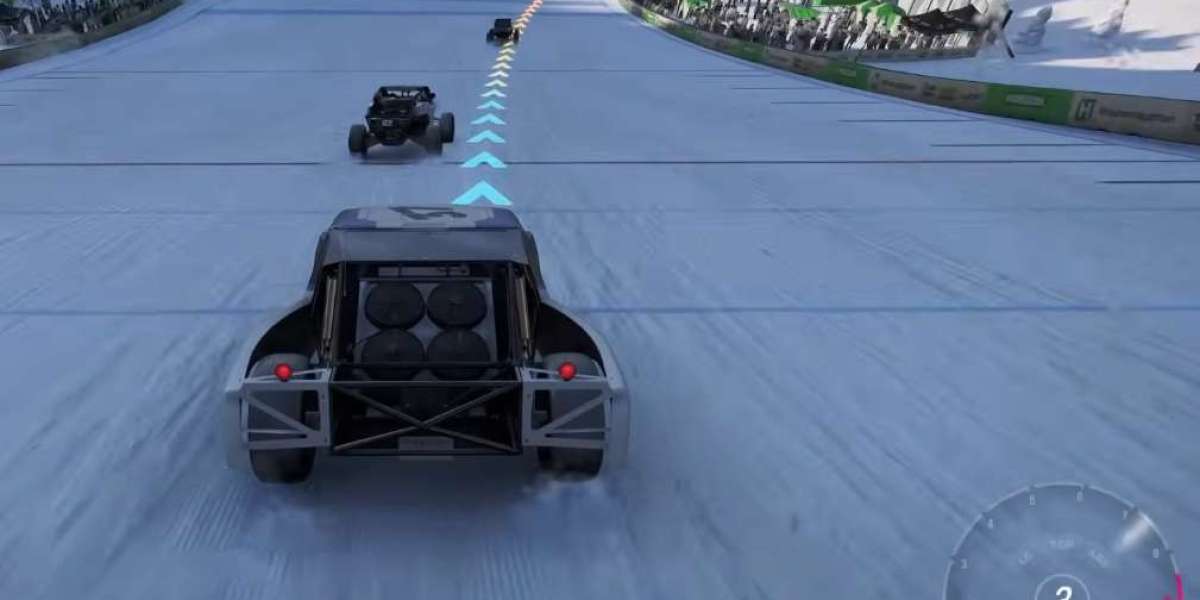

If you’re playing Forza Horizon 6 on Xbox Series X|S, chances are you’ve experienced random freezes, crashes, or black screens that can ruin a perfectly good racing session. Many players report the game can be demanding on console hardware, especially during fast travel, estate management, or high-speed races. Fortunately, there are some practical steps you can take to get the game running smoothly.
Primary Game Fixes
1. Disable Quick Resume
Quick Resume is convenient but can cause memory leaks over time. To prevent freezes:
- Press the Xbox button, highlight Forza Horizon 6, press the Menu button (three lines), and select Quit.
- This clears any lingering memory and prevents the game world from freezing while audio keeps playing.
2. Switch to Performance Mode
If your console struggles under high graphics settings:
- Go to the in-game Graphics settings.
- Toggle from Quality to Performance Mode.
- This targets a stable 60 FPS, easing VRAM and thermal stress and reducing unexpected dashboard crashes.
3. Clear Persistent Cache
Sometimes, the console itself needs a refresh:
- Power down your Xbox.
- Unplug the power cable for at least two minutes.
- Plug it back in and restart.
This clears the system cache and can solve loading screen freezes or startup crashes.
System & Network Tweaks
1. Disable Dolby Vision
Dolby Vision can conflict with some game rendering:
- Go to Settings > General > TV & display options > Video modes.
- Uncheck Dolby Vision for Gaming.
Many players notice that freezes right after cutscenes or trailers disappear after this change.
2. Test Xbox Cloud Gaming
If local crashes persist, temporarily uninstall the game and try Xbox Cloud Gaming:
- Playing through the cloud can bypass hardware-related freezes while waiting for patches.
3. Manage Console Thermals
Forza Horizon 6 can push your console hard:
- Keep your Xbox in an open area with good airflow.
- Avoid enclosed spaces or stacking devices on top of the console.
Overheating can instantly freeze or shut down the system.
Following these steps often resolves the most common freezing issues in Forza Horizon 6. While waiting for official patches or optimization updates, managing memory, graphics load, and thermals gives the smoothest gameplay experience.