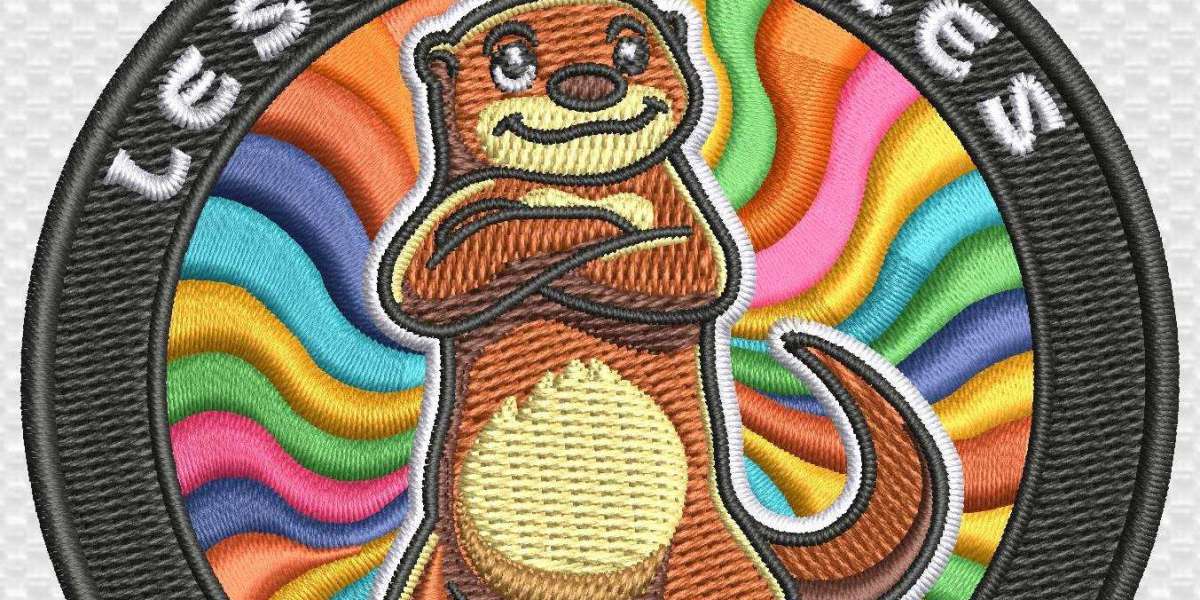

If you have ever looked at a clean logo and thought, “How does this turn into stitches?”, you are not alone. That is where embroidery digitizing comes in, and it is the process that turns a flat design into a file your embroidery machine can read. In simple terms, embroidery digitizing is what makes a logo ready for thread, fabric, and a real run on the hoop. For businesses in the USA, learning the right method matters because a good file can save time, reduce thread breaks, and keep the final stitch work neat.
Embroidery Digitizing in the USA Starts With a Clean Logo File
The first step in embroidery digitizing is to prepare the logo before touching any software. A blurry JPEG with messy edges will only create trouble later. So, begin with the clearest version of the artwork you can find, and remove extra background clutter. If possible, use a vector file, because sharp lines are easier to work with.
This is also the point where you should think about the final use. A logo for a jacket back is not the same as a small chest logo. Likewise, a cap design has different rules from a shirt design. When you prepare logo for embroidery digitizing, you are really setting up the job for fewer headaches later.
Embroidery Digitizing Works Better When You Study the Design First
Before you click anything, look at the logo like a stitcher, not just like a designer. Ask yourself where the small text is, where the thin lines are, and which parts may disappear once thread comes into play. This is one of the most useful manual embroidery digitizing steps because it helps you plan instead of guessing.
For example, a logo with tiny script may look lovely on screen, but once it is stitched on a hat, it can become unreadable. In that case, you may need to simplify some details. That is part of the best way to digitize a logo, especially when the design has both bold and delicate sections.
Embroidery Digitizing in Software Begins by Setting the Right Size
Now it is time to open your digitizing software and set the exact size of the final design. This matters more than many beginners expect. A logo that looks fine at 4 inches may look crowded at 2 inches. On the other hand, a big jacket design needs different stitch spacing and more careful density control.
Here, you should decide whether you are working on a digitize logo for left chest project, a cap logo, or another placement. The size of the area changes the stitch plan. For a left chest design, keep details simple and readable. For a cap, the curve of the front panel also affects how the stitches sit. That is why many pros treat digitize logo for cap embroidery as its own job, not just a smaller version of a shirt design.
Embroidery Digitizing Needs Stitch Types in the Right Order
Once the size is set, choose the stitch type for each part of the logo. Satin stitches work well for borders, text, and narrow shapes. Fill stitches are better for larger areas. Running stitches are often used for outlines, accents, and small details. This is where the logo digitizing tutorial part gets real, because the stitch order shapes the final look.
Start with the underlay, then build the main stitches on top. Underlay helps the top thread sit better and gives the design more stability. After that, place the main objects in a logical order so the machine does not jump around too much. If you are learning how to digitize logo for embroidery, this is one of the biggest habits to build early.
Embroidery Digitizing Improves When You Control Pull Compensation and Density
Thread does not behave like ink. It can pull fabric in and shrink shapes a little, especially on stretchy material. That is why pull compensation matters. It gives the design a small buffer so the final shape stays close to the original artwork. Density matters too, because too many stitches in one spot can make the fabric stiff and noisy.
A solid manual logo digitizing guide always includes these checks. If the stitches are too close together, the design may look bulky or cause needle trouble. If they are too loose, the logo may look weak. So, always test the balance. This is one of those steps to digitize a logo that separates a decent file from a clean one.
Embroidery Digitizing Becomes Easier With a Smart Stitch Path
After the stitch types are chosen, map the path in a way that makes sense for the machine. Good stitch sequencing can reduce jumps, trims, and thread changes. That may sound minor, but it saves time and keeps the back of the garment cleaner.
For a simple logo to stitch file tutorial, this means working from the background to the foreground or from larger parts to smaller details. In many cases, the machine should travel in a way that feels smooth and natural. When people ask for a convert logo to stitch file process, this is the part that often makes the biggest difference in quality.
Embroidery Digitizing Should Always End With a Test Run
Never trust a file just because it looks nice on screen. A test sewout tells the real story. Load the file, stitch it on fabric that matches the final product, and check the result closely. Look at the edges, text size, stitch direction, and any areas where the fabric puckers.
This step matters for every job, whether it is a left chest logo, a hat logo, or a larger back design. Even the best way to digitize a logo can still need a few small edits after testing. That is normal. In fact, that is how good digitizers work. They test, adjust, and stitch again until the logo looks right.
Embroidery Digitizing in the USA Often Depends on Garment Choice
The fabric matters just as much as the artwork. A design for a polo shirt may behave differently from one on a cap or jacket. Thick fabrics can handle more stitch density, while thin or stretchy fabrics may need a lighter touch. That is why the same logo can need separate settings for different products.
If you plan to digitize logo for cap embroidery, keep in mind that caps have a curved surface and less room for fine detail. If the design is for the chest area, keep the elements bold enough to read at a small size. Good embroidery digitizing is not only about software skills. It is also about understanding how fabric changes the final result.
Embroidery Digitizing Gets Better With Practice and Small Fixes
Nobody gets a perfect file on the first try every time. Even experienced digitizers go back and adjust stitch length, spacing, and sequence. That is why practice matters. Start with simple logos, then move to more detailed work once you are comfortable.
A helpful habit is to keep notes on each project. Write down what worked, what looked too tight, and what needed more underlay. Over time, this becomes your own manual embroidery digitizing steps reference. It also helps you move faster without making the same mistakes again.
FAQs About Embroidery Digitizing
1. What is embroidery digitizing?
Embroidery digitizing is the process of converting a logo or artwork into a stitch file that an embroidery machine can read and sew.
2. How do I prepare a logo for embroidery digitizing?
Use a clear logo file, remove messy backgrounds, keep the design simple where needed, and decide the final size before digitizing.
3. Is cap digitizing different from left chest digitizing?
Yes. Cap designs need to follow the curve of the hat, while left chest logos are usually smaller and more square in placement.